Easy
Bold outlines and roomy shapes for little hands.
Upload a photo. Print a page. Make it yours.
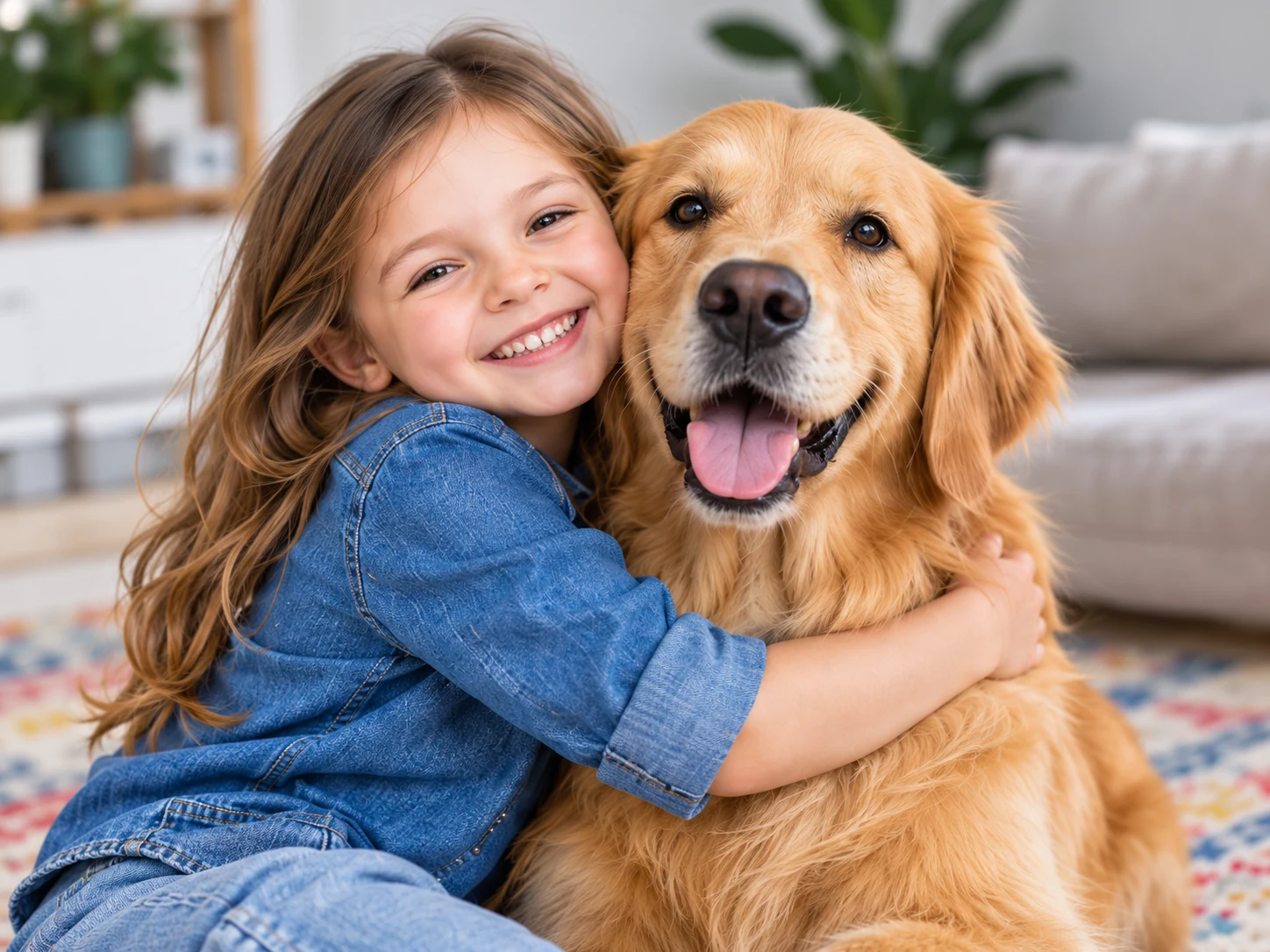
Same special moments. A whole new way to enjoy them.
From camera roll to crayons
Choose a clear photo of a pet, person, or toy. Or describe an imagined scene, such as a kitten exploring the moon.
Choose easy, balanced, or detailed outlines. Turn the background on or keep things simple.
Download an A4 or US Letter PDF, print at home, and let your child choose the colors.
A new way to see a familiar face
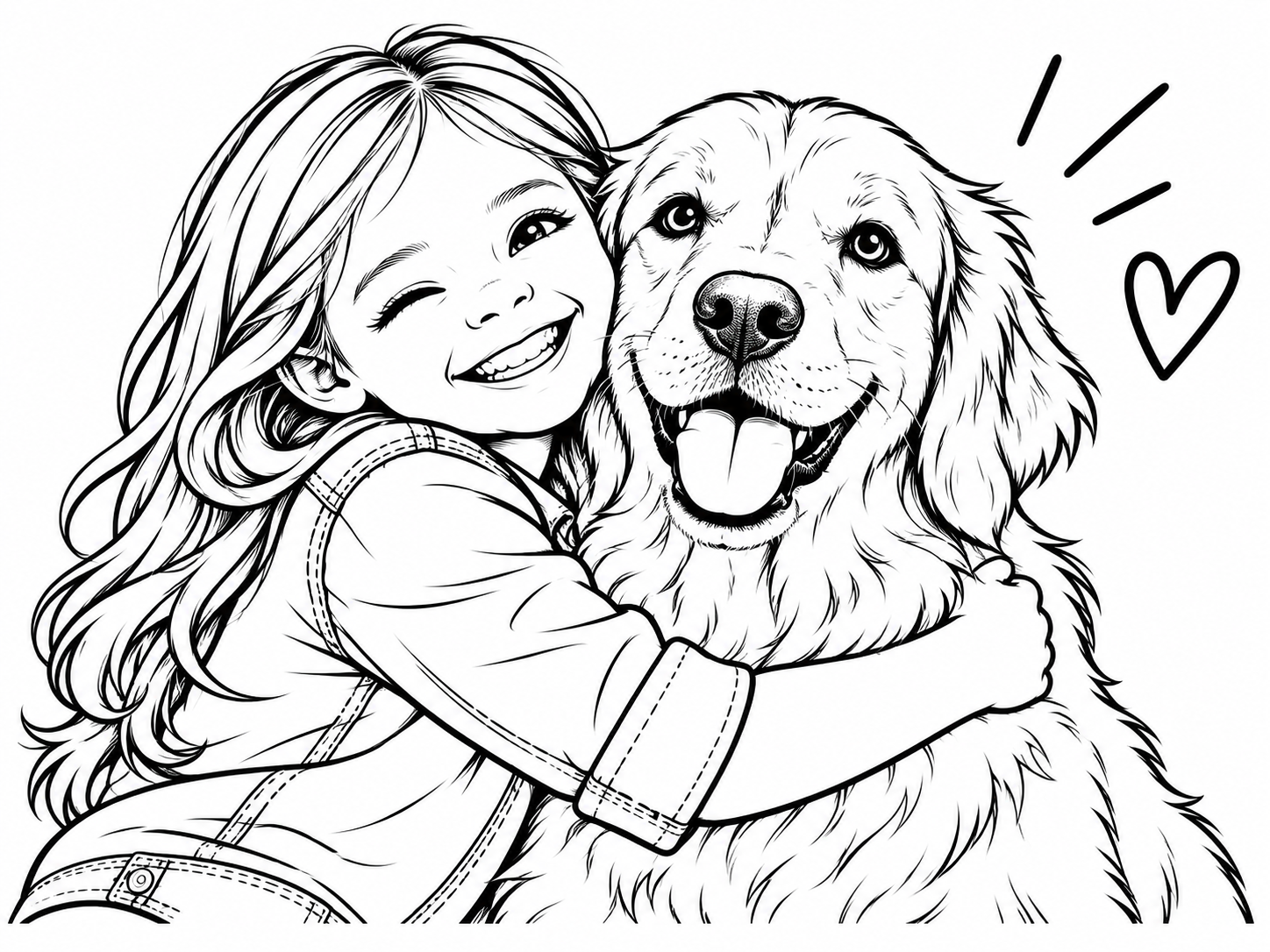
See a photo to coloring page example: a familiar picture becomes a cartoon outline for children to color. Start with a clear image of a person, pet, or favorite toy. This labeled sample shows the intended transformation; your own results will vary.
AI-created sample for illustration. This download is not made from your photo.
Read the printing guideRoom for every little artist
Bold outlines and roomy shapes for little hands.
A little more character, with space to color.
More textures and shapes for patient artists.
A little pack. Lots of imagination.
One payment, a whole collection of possibilities. Create from photos or ideas, whenever a little coloring time calls.
For a few favorite moments and new ideas.
$4.99USD · one-time payment
20 coloring pages
A shared collection for everyday coloring time.
$9.99USD · one-time payment
50 coloring pages
More room for big ideas and little adventures.
$19.99USD · one-time payment
120 coloring pages
Page packs are coming soon. Purchases are not open yet; you can download the sample PDF to try printing.
One successful drawing uses one page. Creating another version uses a new page. Downloading the same PDF again uses no extra pages. No subscription or automatic renewal.
A photo, a printer, a little imagination
A useful coloring page starts with a recognizable subject and leaves enough room for little hands. Here is how to prepare a photo, choose the right outline, and get a clean print at home.
A4 + US LetterChoose a well-lit photo where the person, pet, or toy is easy to recognize. A close view with one or two subjects is easier to simplify than a busy group photo. Avoid heavy shadows, blurred faces, and objects cut off at the edge. Use a picture you have permission to upload; a favorite everyday moment is a good starting point.
Easy outlines favor bold lines and larger shapes. Balanced adds some character detail, while Detailed suits children who enjoy smaller areas. Removing the background can make the main subject easier to color. Keep it when the setting matters to the story. The drawing is a cartoon interpretation, so faces and fine details may change rather than match every pixel.
A4 measures 210 × 297 mm; US Letter measures 8.5 × 11 inches. Choose the size that matches the sheets in your printer, then download that PDF. Open it in a PDF viewer and check the preview before printing. Each format includes space around the illustration, but printer margins differ. Use Fit to page if an edge is clipped, or Actual size / 100% to keep the supplied layout.
Try one sheet before printing several. Plain paper works for crayons or colored pencils; check your printer's guidance before using a different paper stock. Let children choose surprising colors, add a background, or draw a name on the page. The finished picture does not need to look like the photo. A familiar subject can be the start of a new story.
Choose A4 or US Letter in the tool, then use the sample PDF link below it to test your printer with an existing demonstration page. This download does not submit your inputs or use any pages. To make your own, sign in with enough pages available and check that generation is available in the tool.
Sign in and make sure you have enough pages available, then choose a photo or describe an idea in the studio. The tool shows the current generation status. If generation is unavailable, you can still download the sample PDF to try your printer.
Use a clear JPEG, PNG, or WebP photo with recognizable subjects, such as people, pets, or toys. Only upload photos you have permission to use. You can add optional details to your photo in up to 1,000 characters. Without a photo, describe your idea in 3–1,000 characters. The studio automatically uses the photo when one is attached, or your description when there is no photo.
Choose A4 or US Letter, download the PDF, and print with the matching paper size. Use actual size or fit to page in your printer settings. The sample PDF lets you check your printer first.
The goal is a child-friendly cartoon interpretation, rather than an exact copy. Faces, shapes, and details may change. Results depend on the photo and the detail setting.
When you create a page, your photo (if attached), description, and drawing instructions are sent to the generation service. Uploaded photos, task history, and finished artwork are stored privately with your account. Selecting a photo or trying an idea alone does not submit it for generation. Read the privacy policy before uploading personal information.
Choose a one-time pack of 20, 50, or 120 pages when purchases are available. Pages are valid for 365 days after purchase, with no subscription or automatic renewal. One successful drawing uses one page; creating a new version uses another. A failed generation returns its page allowance, and downloading the same PDF again is free. The pricing section shows whether purchases are open.
A familiar face. A blank page. So many possibilities.
Upload a photo